FoxCut ReelNext-Gen Storyboard Generator
Easily creates a storyboard that lets you plan and visualize your idea before generation.
Define framing, motion, and characters to turn ideas into polished, production-ready sequences.
how it works
From prompt
to perfect consistent scenes
Three moves between an idea and a production-ready board — no re-prompting, no style drift.

STEP 1
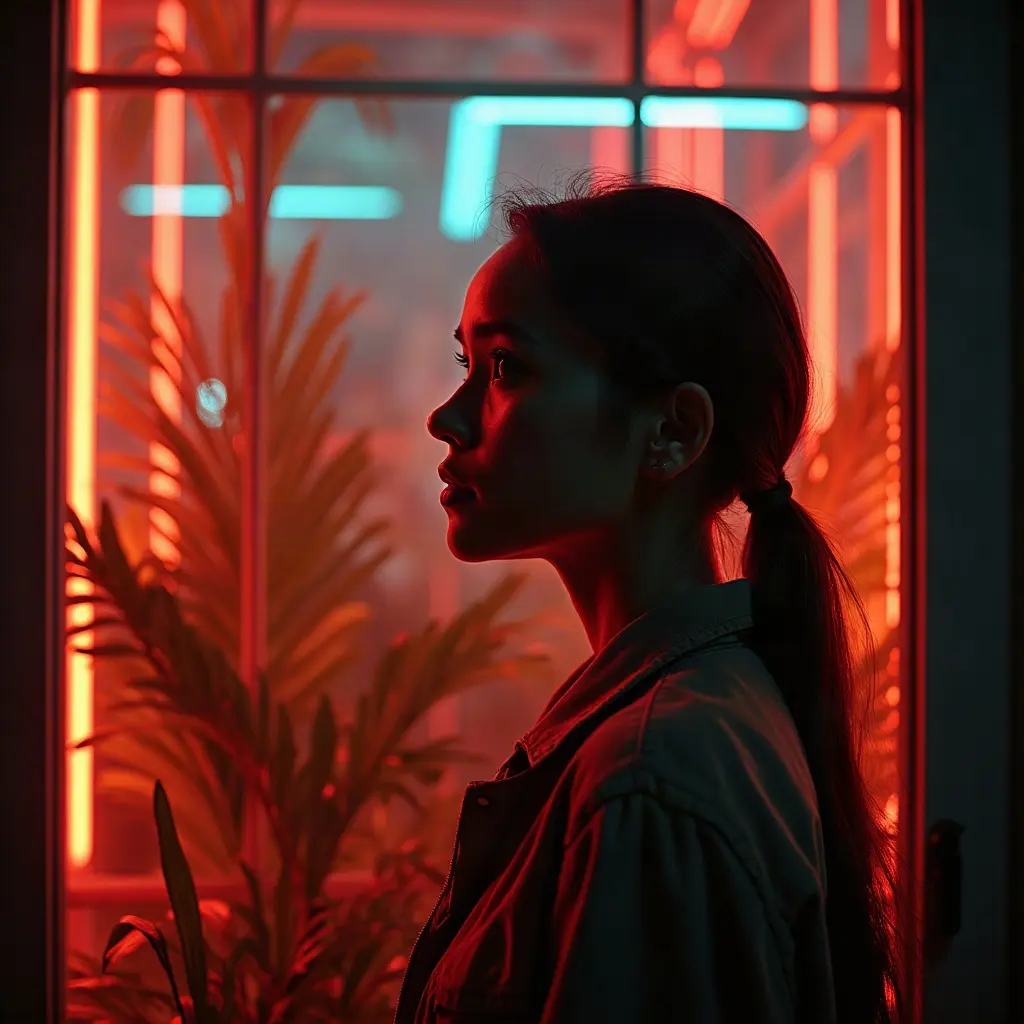
Drop a style reference
Upload one image — a character, a still, a mood. It guides every frame in the sequence.
STEP 2
Write your scenes
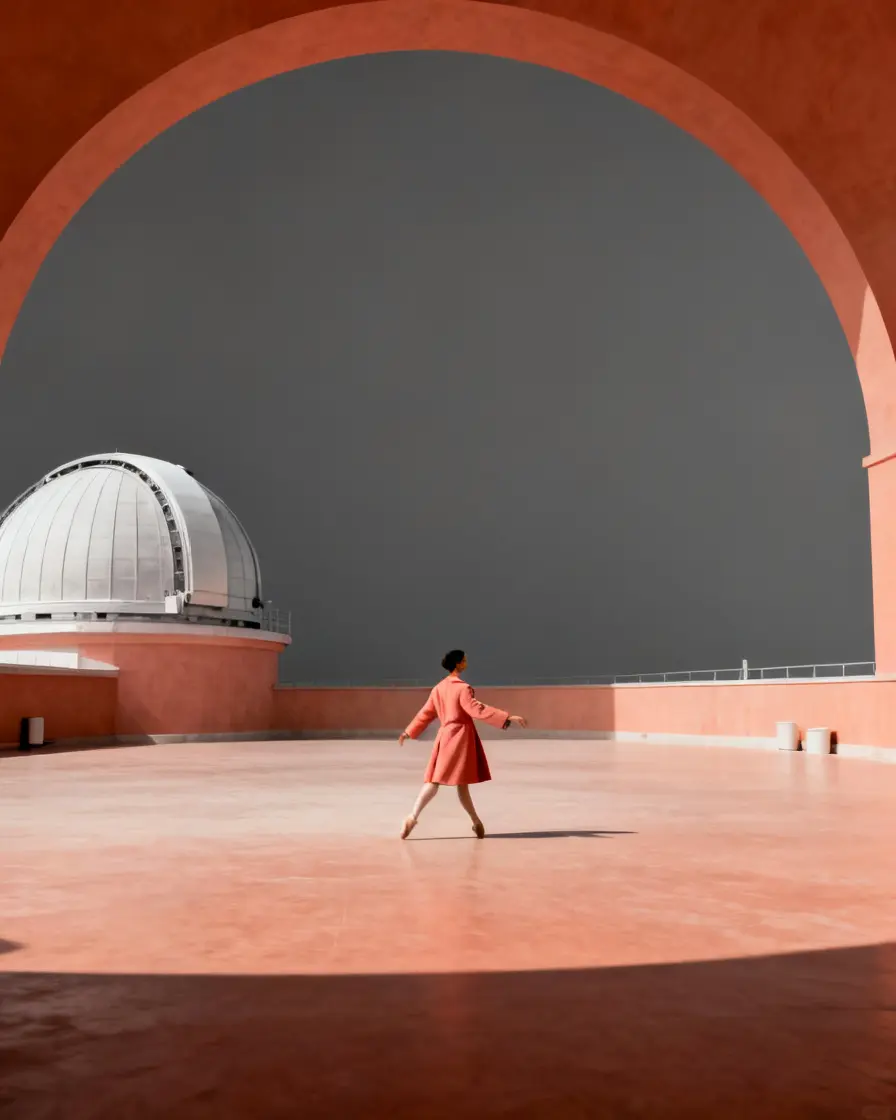
Describe up to 8 beats — framing, action, mood — or paste a whole story and let Auto break it down.
STEP 3
Generate a consistent board
Frame 1 renders first; every other frame chains from it on one shared seed, so the look holds.
see the frames
Consistent scenes
generated in a single flow
1 2
2 3
3 4
4One cast — four scenes
 1234
1234One look — four frames
then keep going
Every frame
becomes footage
Turn to Video
Animate any frame — or the whole board — with real camera moves: dolly, crane, orbit, crash zoom.
One seed, one look
Frames share a seed and carry frame 1 as a reference, so cast, lighting and grade never drift.
Send to Timeline
Finished clips land in the Timeline in scene order — cut, extend and score without re-importing.
Limitless story
Promote any frame to the next chapter's style reference and keep the sequence rolling.
Start creating with FoxCut Reel
Pick a template or write your own scenes — your board renders right here.
frames share one seed + frame 1 as reference, so characters, lighting and style stay consistent
Pick your plan
Get more boards and more footage — failed renders always refund automatically.
For your first boards
- ✓Up to 8 scenes per board
- ✓All templates & style presets
- ✓Auto scene planner
- ✕Turn to Video camera moves
- ✕Priority queue
For steady storyboarding
- ✓Up to 8 scenes per board
- ✓All templates & style presets
- ✓Turn to Video camera moves
- ✓Send boards to Timeline
- ✕Priority queue
For creators shipping weekly
- ✓Everything in Basic
- ✓4 parallel generations
- ✓Character LoRA casting
- ✓Whole-board Turn to Video
- ✕8-way concurrency
For studios & heavy pipelines
- ✓Everything in Plus
- ✓8 parallel generations
- ✓Longest chained sequences
- ✓Full Timeline hand-off
- ✓First access to new models
Manage plans, invoices, and generation credits securely from Account.
Still have questions?
Everything about boards, characters and credits.
It turns a handful of scene descriptions into a numbered board of rendered frames that share one look. Write up to 8 beats (or let Auto break a story down), optionally add a style reference, and the board renders in scene order — ready to refine, animate, or send to the Timeline.